dotfiles
Cross-platform dotfiles managed with chezmoi for fast machine bootstrapping on macOS, Linux and Windows from a single source directory.
1Overview
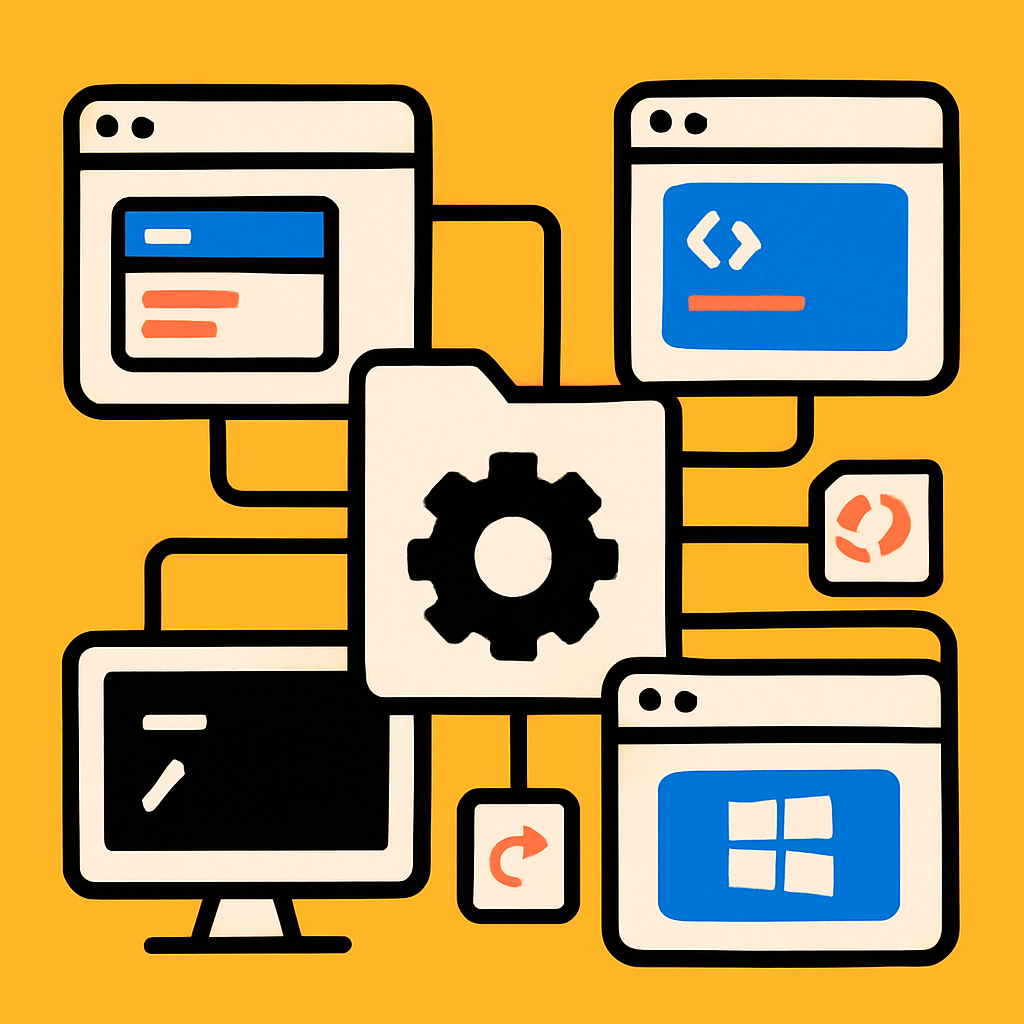
My dotfiles, managed with chezmoi (pronounced “shay-mwah”, from the French chez moi, “at my place”; thanks to Aurélien for the pronunciation correction) and designed for fast machine bootstrapping across macOS, Linux (Omarchy/WSL) and Windows — all from a single chezmoi source directory. A fresh machine goes from blank to fully configured with one command, and a documentation site at dotfiles.hongy.dev explains the per-platform details.
2The Challenge
Keeping configuration consistent across three operating systems usually means either maintaining three separate sets of dotfiles or littering everything with platform conditionals. Shared tools like git, starship and tmux should be defined once, while OS-specific paths (a Windows AppData here, a Linux Hyprland config there) shouldn't leak onto machines where they don't belong.
3The Solution
Everything lives in a single chezmoi source directory. Platform gating happens via a templated .chezmoiignore, which excludes paths that don't apply to the current OS — Windows skips ~/.zshrc, macOS skips ~/AppData, and so on. Shared configs live once and deploy everywhere they're useful.
Bootstrap entry points (bootstrap.sh for macOS/Linux/WSL, bootstrap.ps1 for Windows) make setup a one-liner, with 1Password handling secrets. A Next.js documentation site deployed to Vercel keeps the per-platform deep dives close to hand.
4See it in action
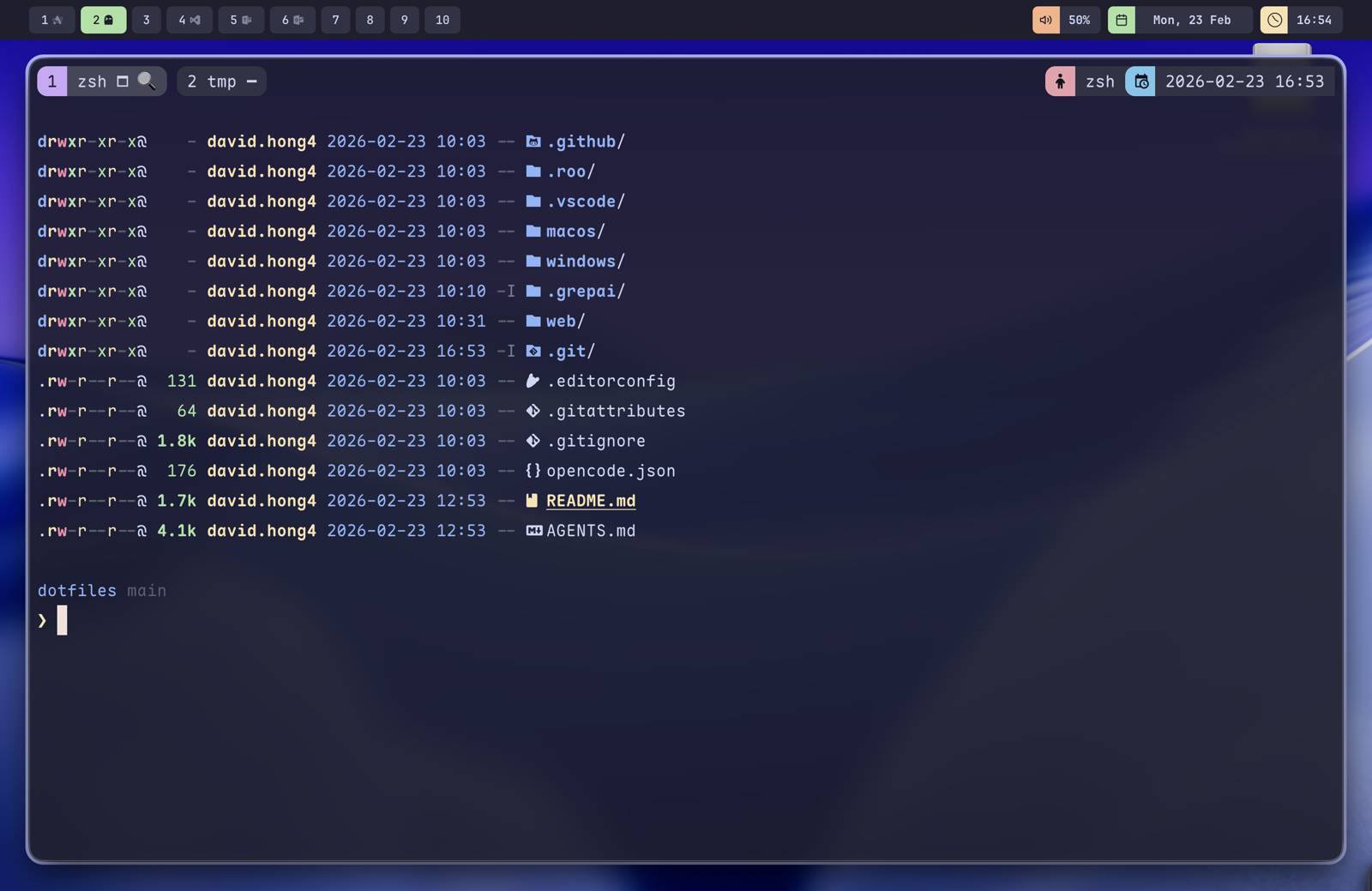
A fresh macOS shell once the bootstrap has run — tmux and zsh with the shared theme, listing the per-platform folders (macos, windows, web) and shared config that all deploy from the one chezmoi source.
5Results
- One chezmoi source directory shared across macOS, Linux and Windows
- Platform gating keeps OS-specific config off machines that don't need it
- One-line bootstrap on every supported platform
- Secrets handled cleanly via 1Password
- Documentation site deployed to dotfiles.hongy.dev
Technologies used
Other projects
hongyflow
My personal Claude Code skills and workflows, built around a gated development loop that takes an AI agent from research to close — one machine-checkable gate at a time.
CLI Toolq
A fast, minimal CLI for getting AI answers directly in your terminal, with provider auto-detection and a local Ollama fallback.